Loading
Loading
Small actions. Big impact.
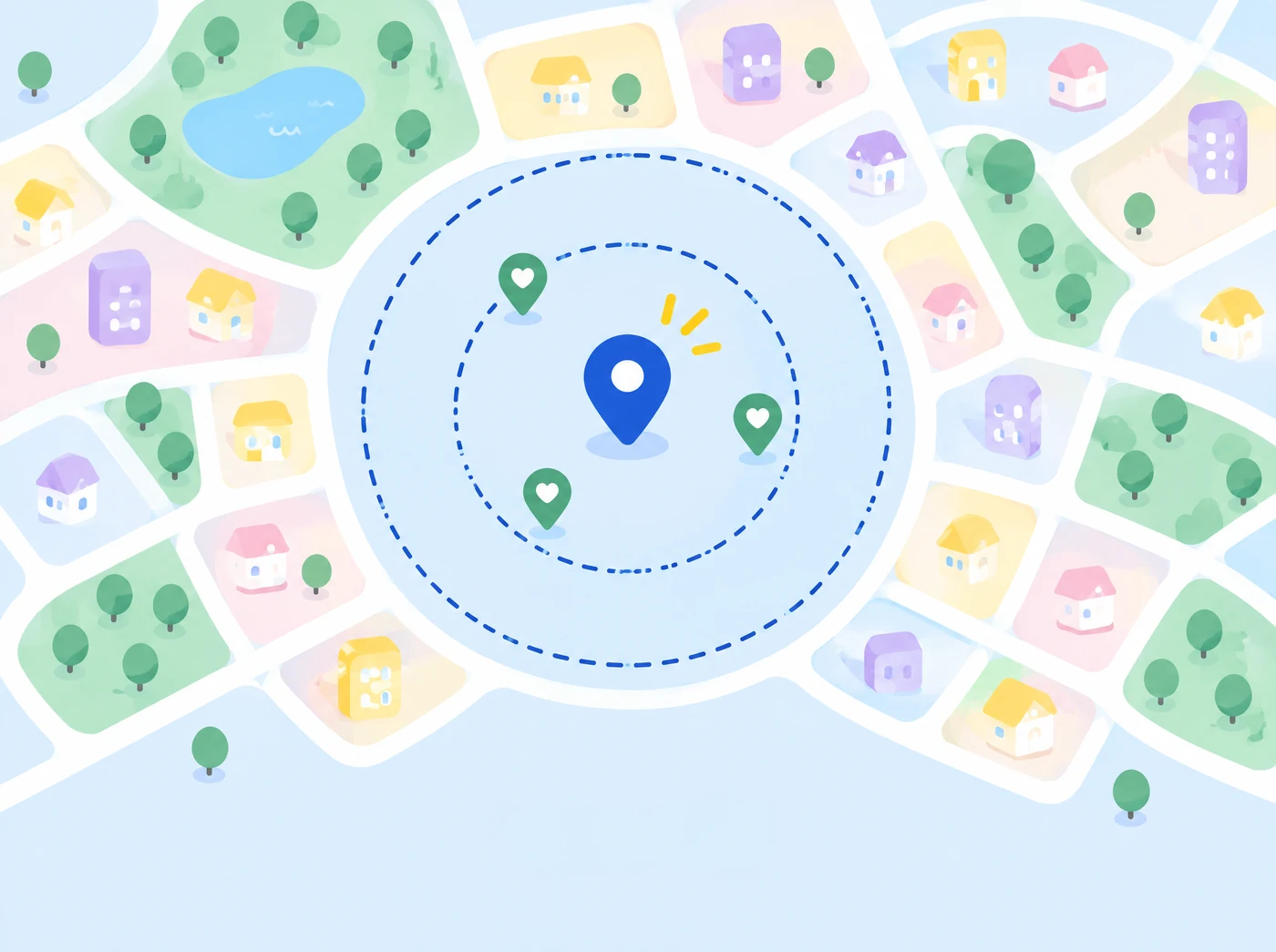
INeedHelp! connects people facing small, everyday problems with volunteers nearby who are ready to help. Press one button, describe what you need, and your request goes straight to the closest available helper through real-time GPS. No scheduling, no sign-up sheets, just quick help for the tasks bigger platforms overlook.
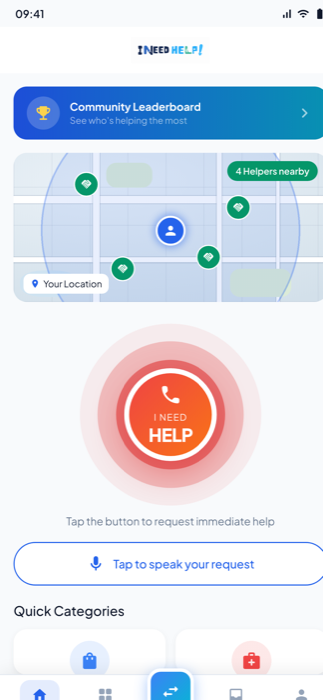
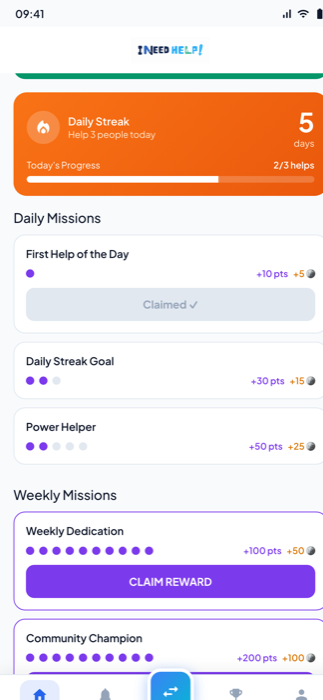
Neighbours helping each other.
When it actually matters.
Built with trust in mind.
Small actions. A stronger tomorrow.
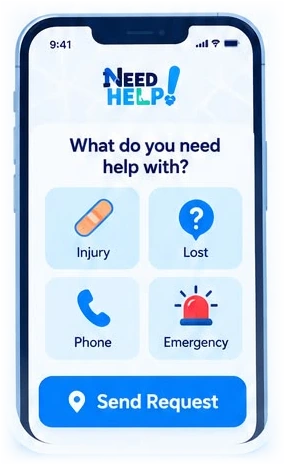
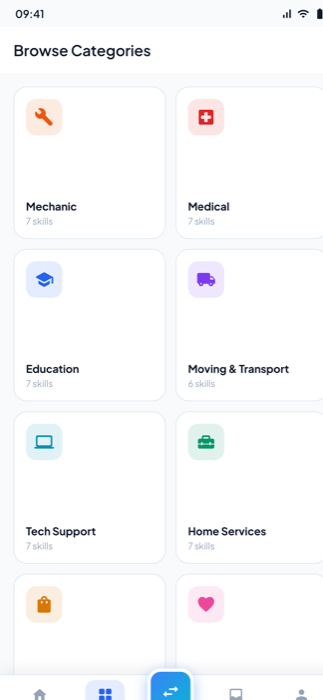
Choose a help category and share your location.
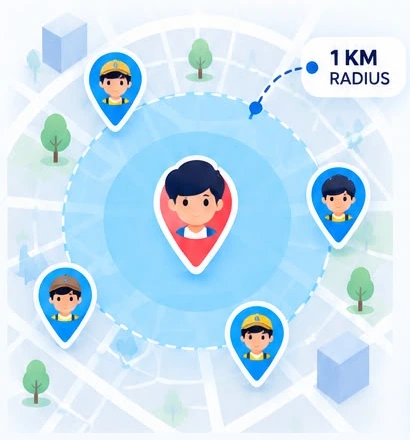
We connect you with nearby helpers, within 1 km.
A real person shows up. Together, we make things a little easier.
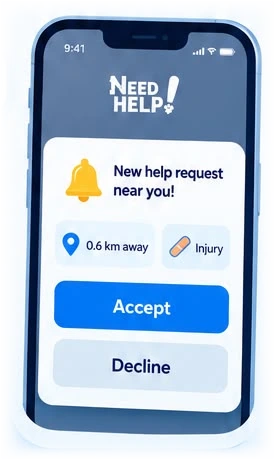
Tap any letter of the logo at the top of the page to jump straight to the chapter you're curious about.
People often face small, everyday problems (a heavy box, a scraped knee, a phone at 2%) but have no fast way to find someone nearby who could help.
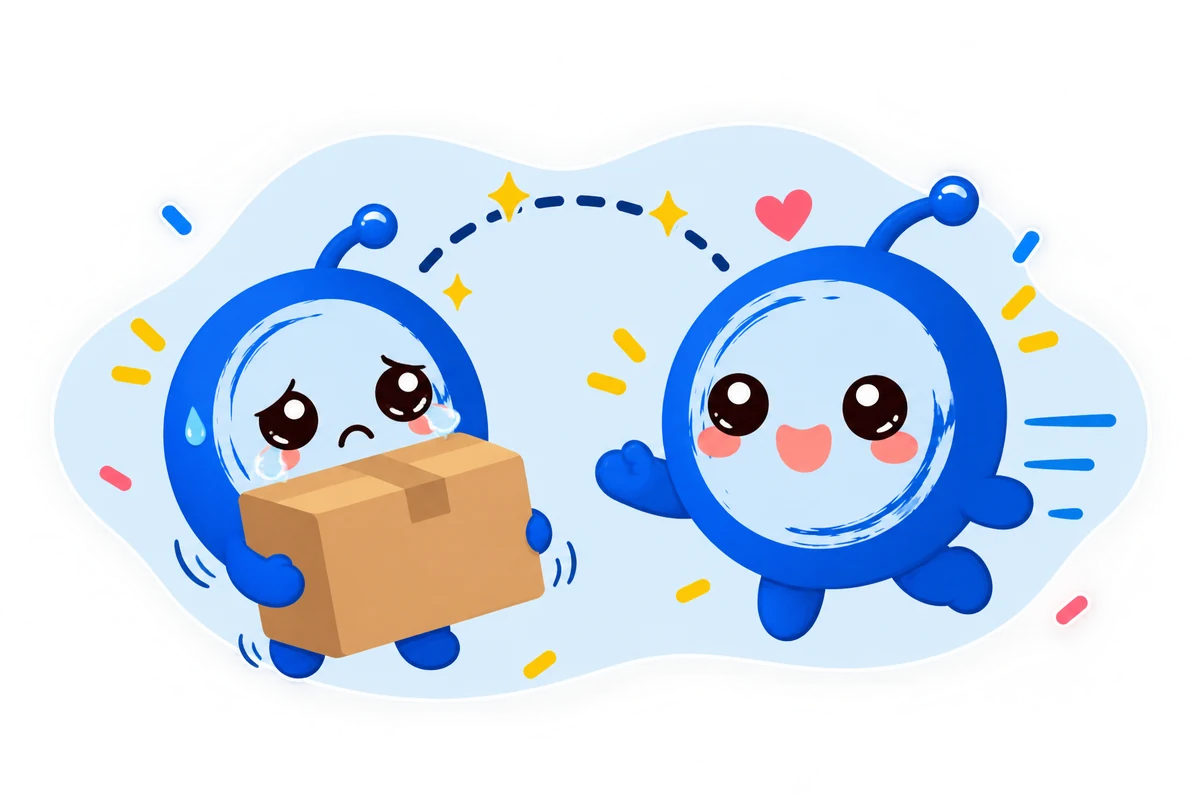
Real-time. Local. Human-centered.
A request only reaches people close enough to act on it right now.
Pick what you need in one tap instead of writing a post.
Built for schools, parks and shared spaces, where people already are.
Every interaction can be rated, and anything wrong can be reported.
Three real environments, one question: would people actually use it?
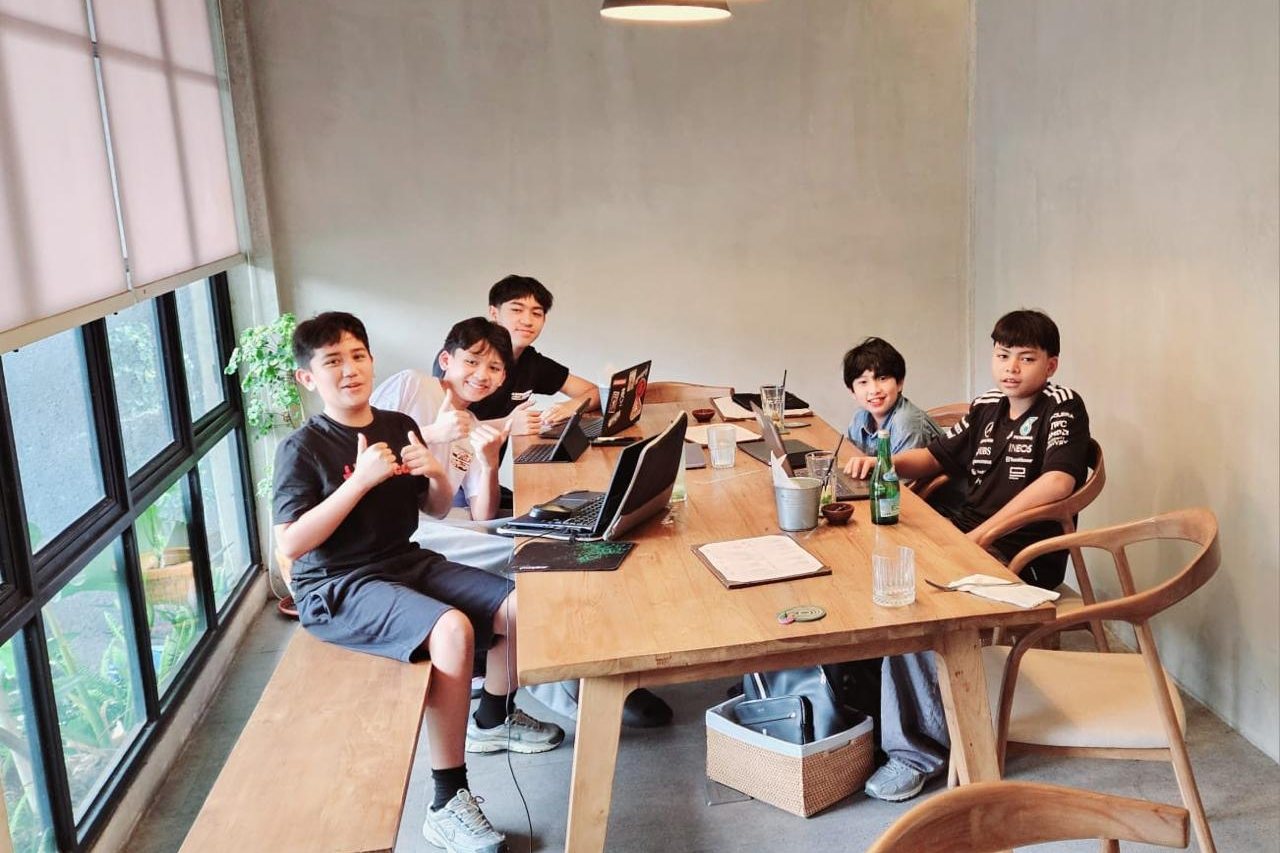 Apartment
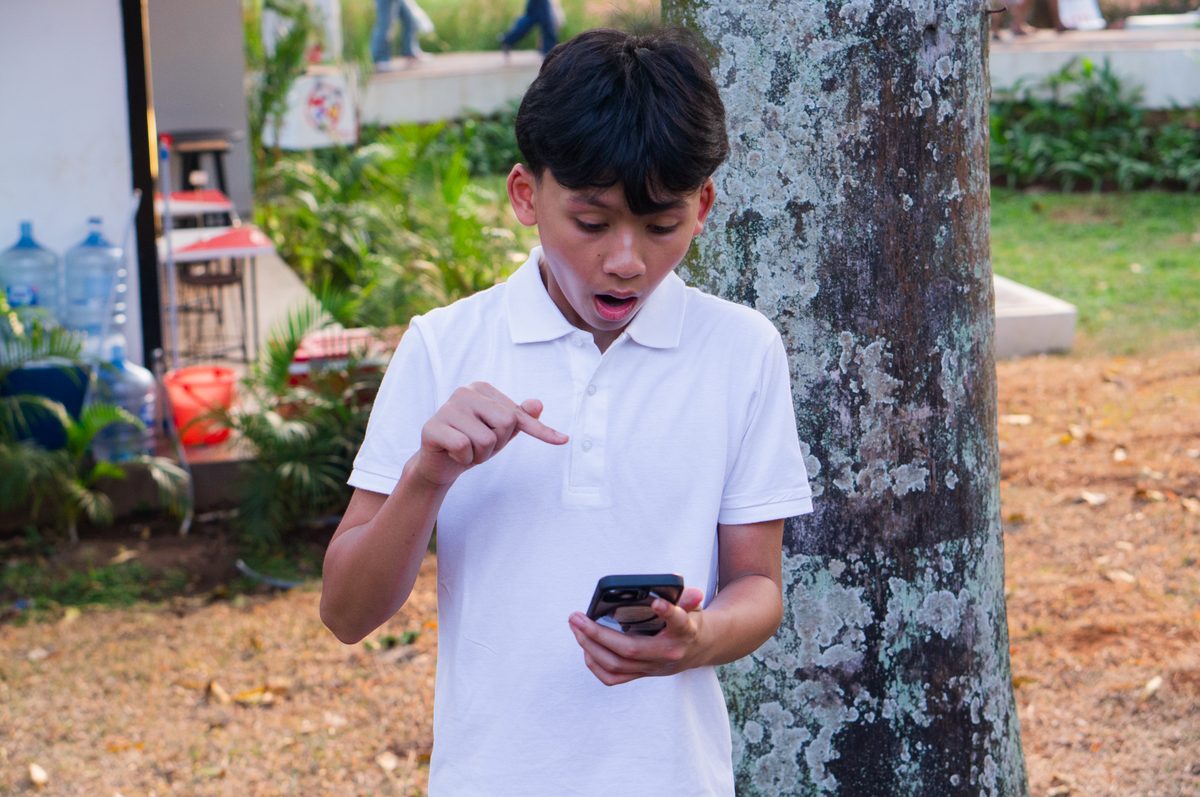 Public Park
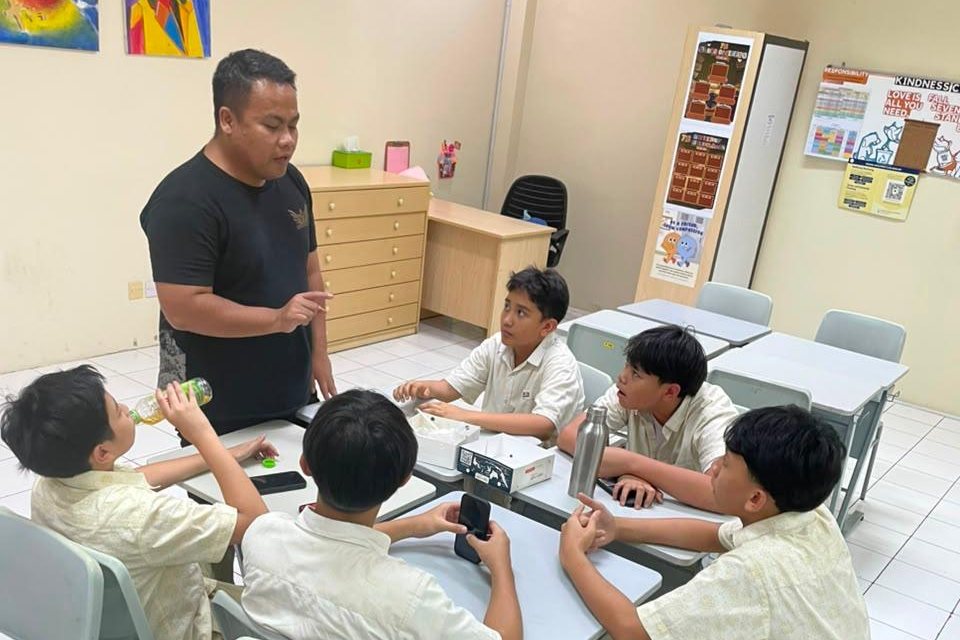 School
Requests reach nearby helpers even when the app is closed.
When nobody is around, the request widens instead of going silent.
Meeting points stay public, and reporting is one tap away.
The final prototype became about more than speed. It needed to be reliable, easy to use, and safe.
For now, public-space assistance remains our safety boundary.
Our next step is to move beyond controlled testing and begin a beta trial with users outside our own circle: people who can show us what still needs to improve.
As we expand, new categories will be introduced gradually based on real-world feedback.
Our long-term goal is to build stronger communities by making everyday help easier to ask for, easier to find, and easier to give.
Meet the five students behind I Need Help! Watch how we built it.